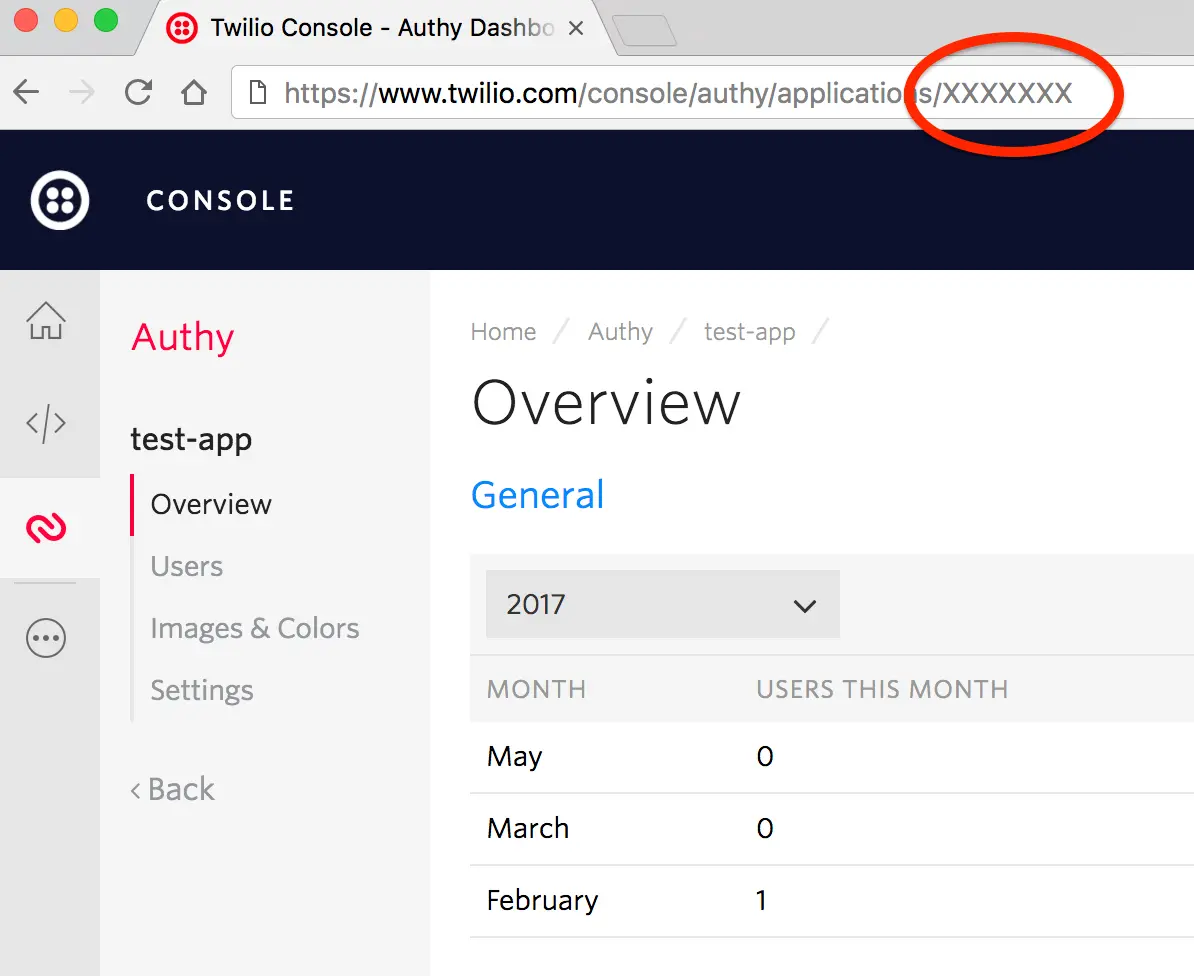
Obtaining your Authy APP_ID
Warning
As of November 2022, Twilio no longer provides support for Authy SMS/Voice-only customers. Customers who were also using Authy TOTP or Push prior to March 1, 2023 are still supported. The Authy API is now closed to new customers and will be fully deprecated in the future.
For new development, we encourage you to use the Verify v2 API.
Existing customers will not be impacted at this time until Authy API has reached End of Life. For more information about migration, see Migrating from Authy to Verify for SMS.
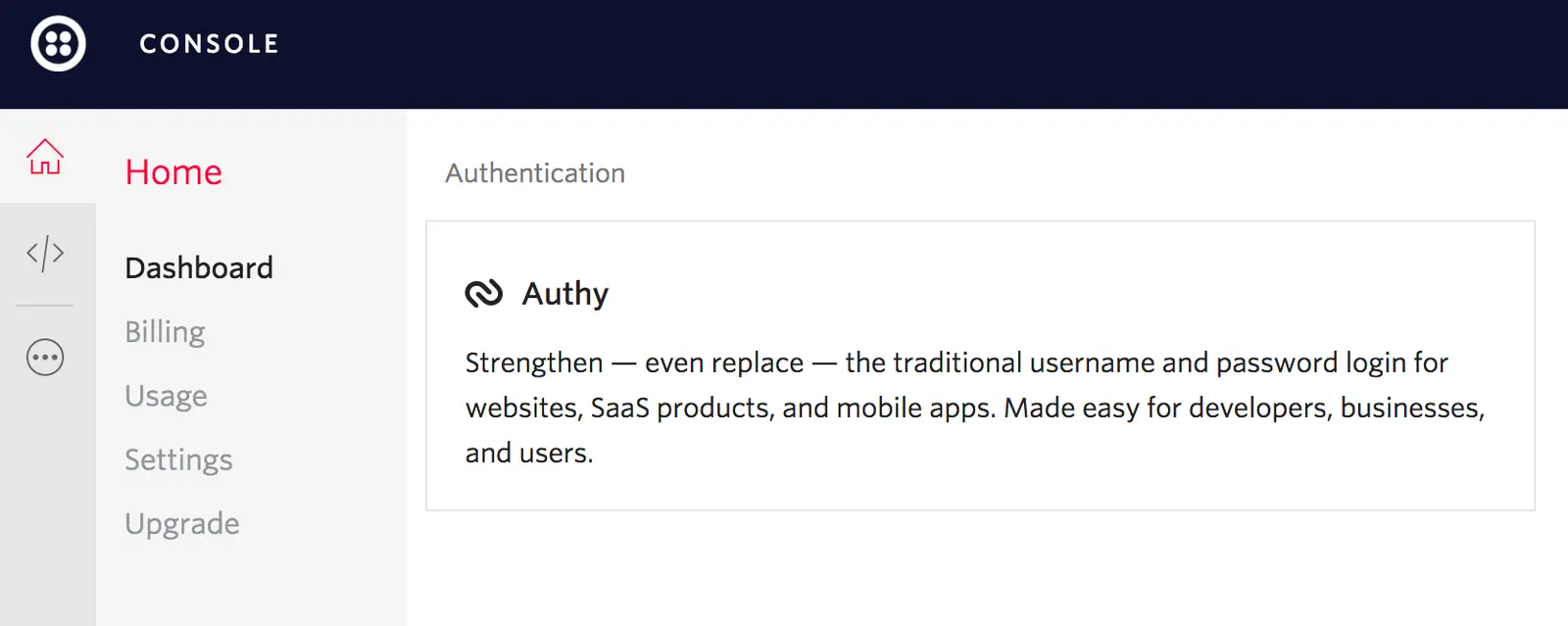
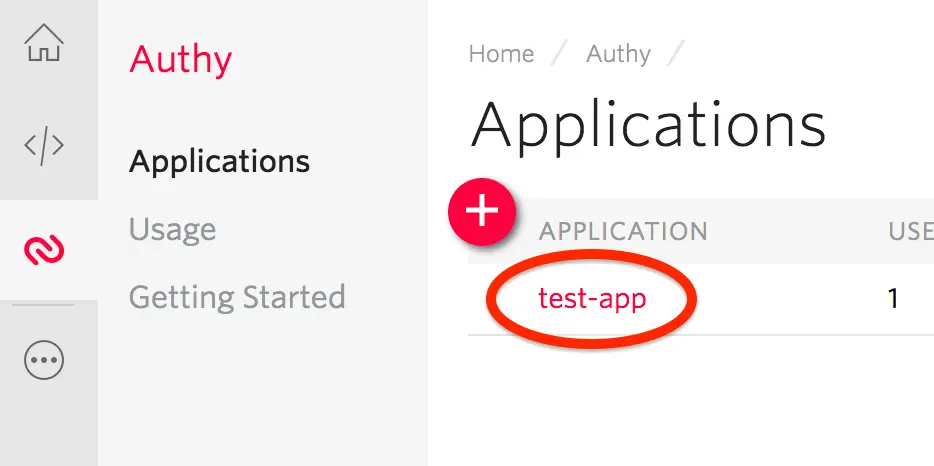
Your Authy APP_ID is the last number in your Authy application's Console URL. You use this ID for communications against the Authy API. To find it, follow these steps.
The last number in the URL is your APP_ID, which you use for communications against the Authy API.