Obtaining an Authy API Key
To create an Authy API Key, follow these steps:
-
Create an Authy application in the Twilio Console.
-
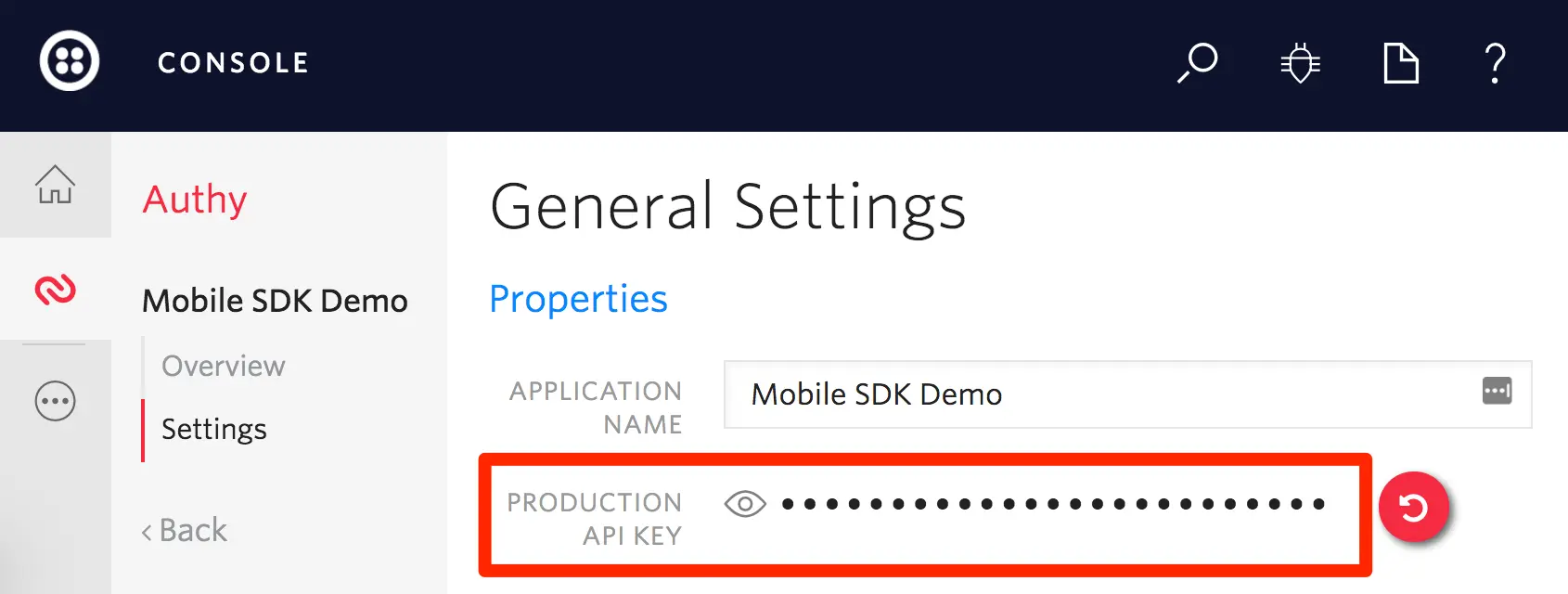
Once you've created a new Authy application, copy the API Key for Production available in the Settings page of your Authy application. See the image below for reference: