Manage Flex-Zendesk Call Flows
Learn how to accept incoming calls from new and existing contacts and make outgoing calls from your Flex-Zendesk Integration.
Warning
Do you still need to set up your Flex-Zendesk Integration? Check out our guide for configuring your Zendesk instance for Flex!
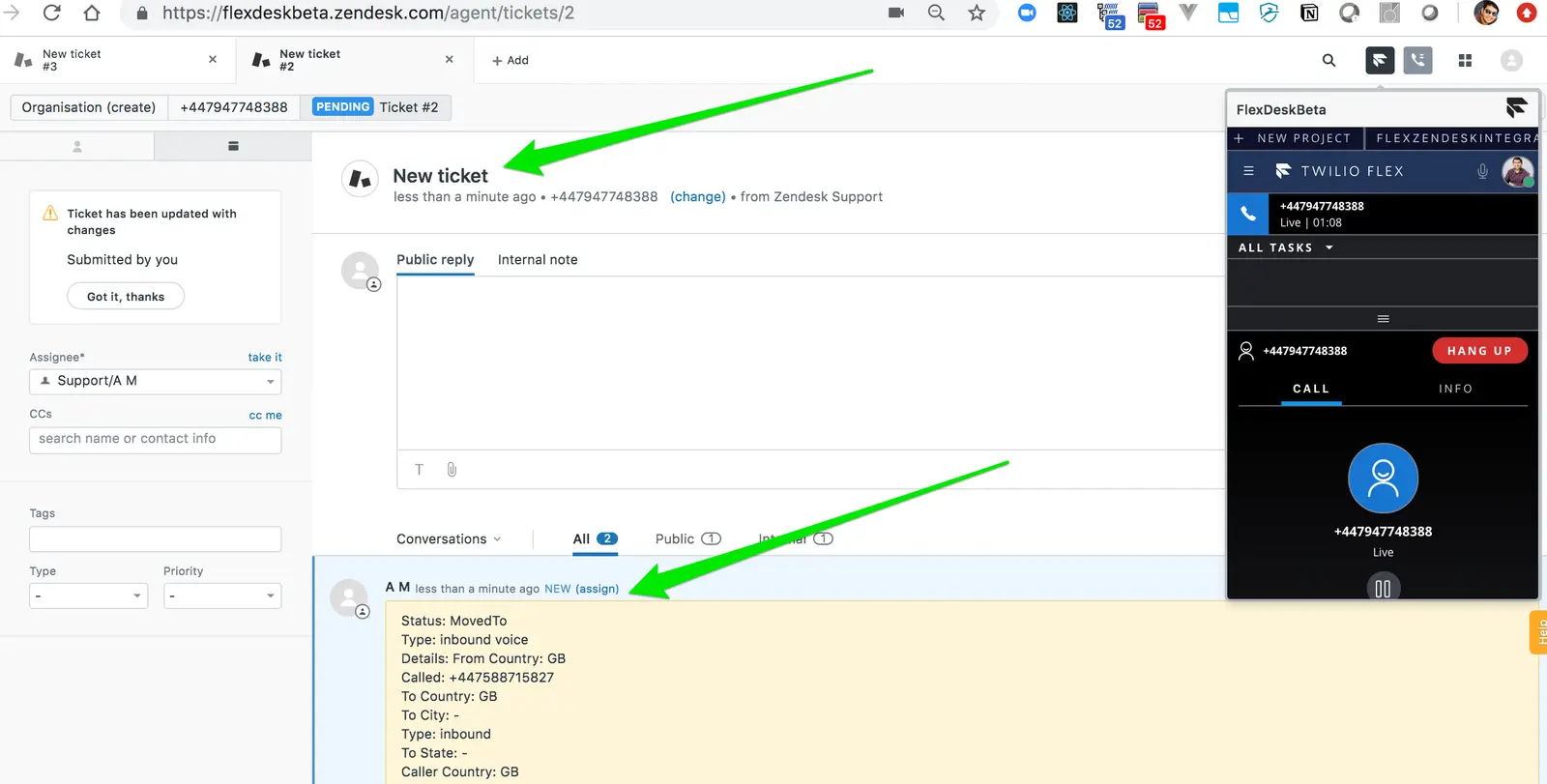
By default, a new ticket is created for every incoming engagement. To test this, dial your Flex Number. When you accept the call, a new ticket is created and the Zendesk screen changes to this new ticket, as shown below.
 |
|---|
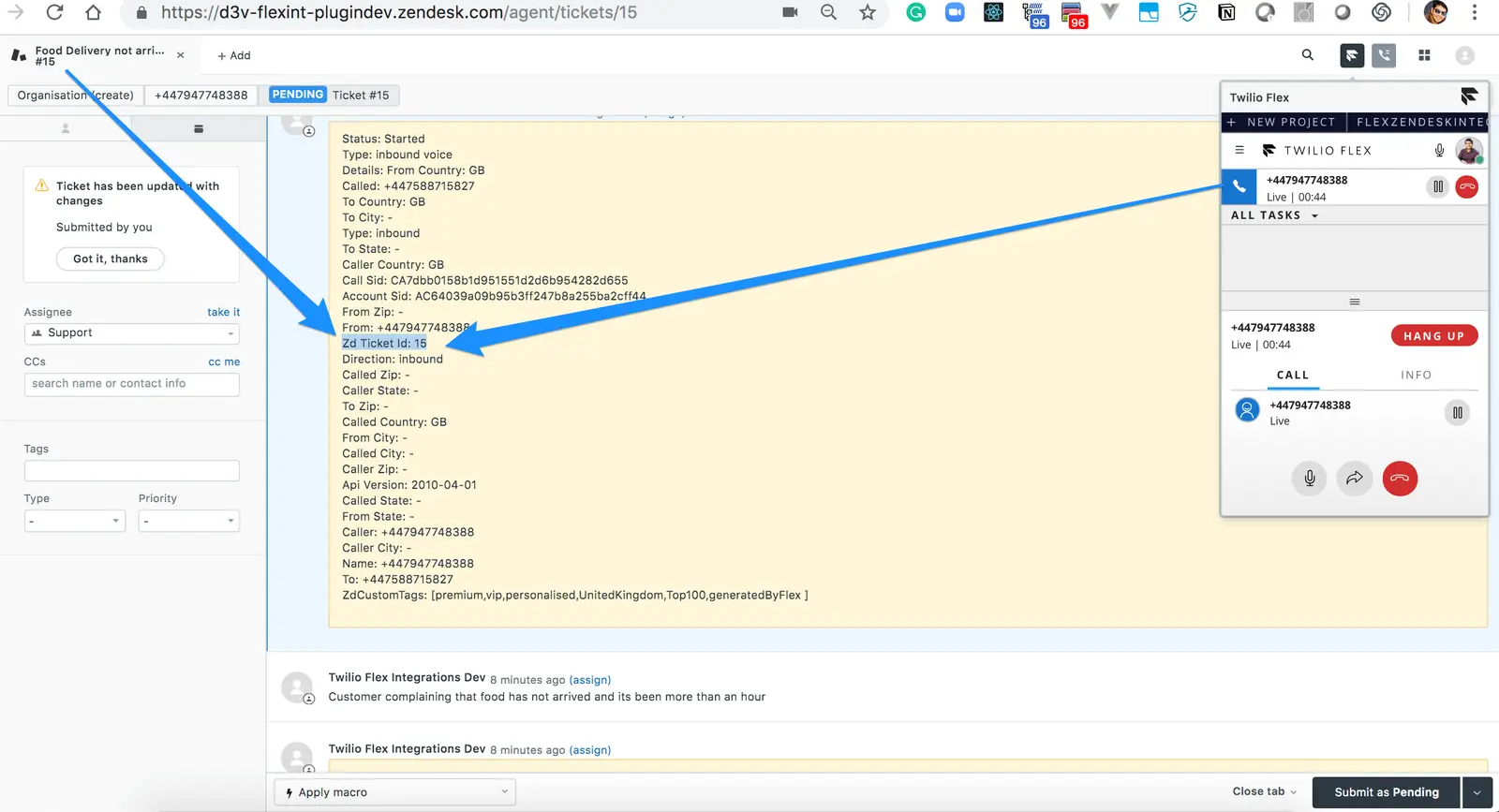
If the call flow in your organization collects a ticket number from the customer on incoming engagement, you can use that information to screen pop the ticket to an agent when they accept the incoming task. This requires setting your engagement flows to collect the ticket number from the customer and pass it to Flex. For an example implementation, see IVR Flow for Collecting Ticket Number from Customer.
With this setup, when a ticket number is provided, you should see that the relevant ticket is shown to the agent for the engagement.
 |  |
|---|
Info
While the above examples are for a Voice Call, it is applicable to any other Channels setup for your Flex Instance.
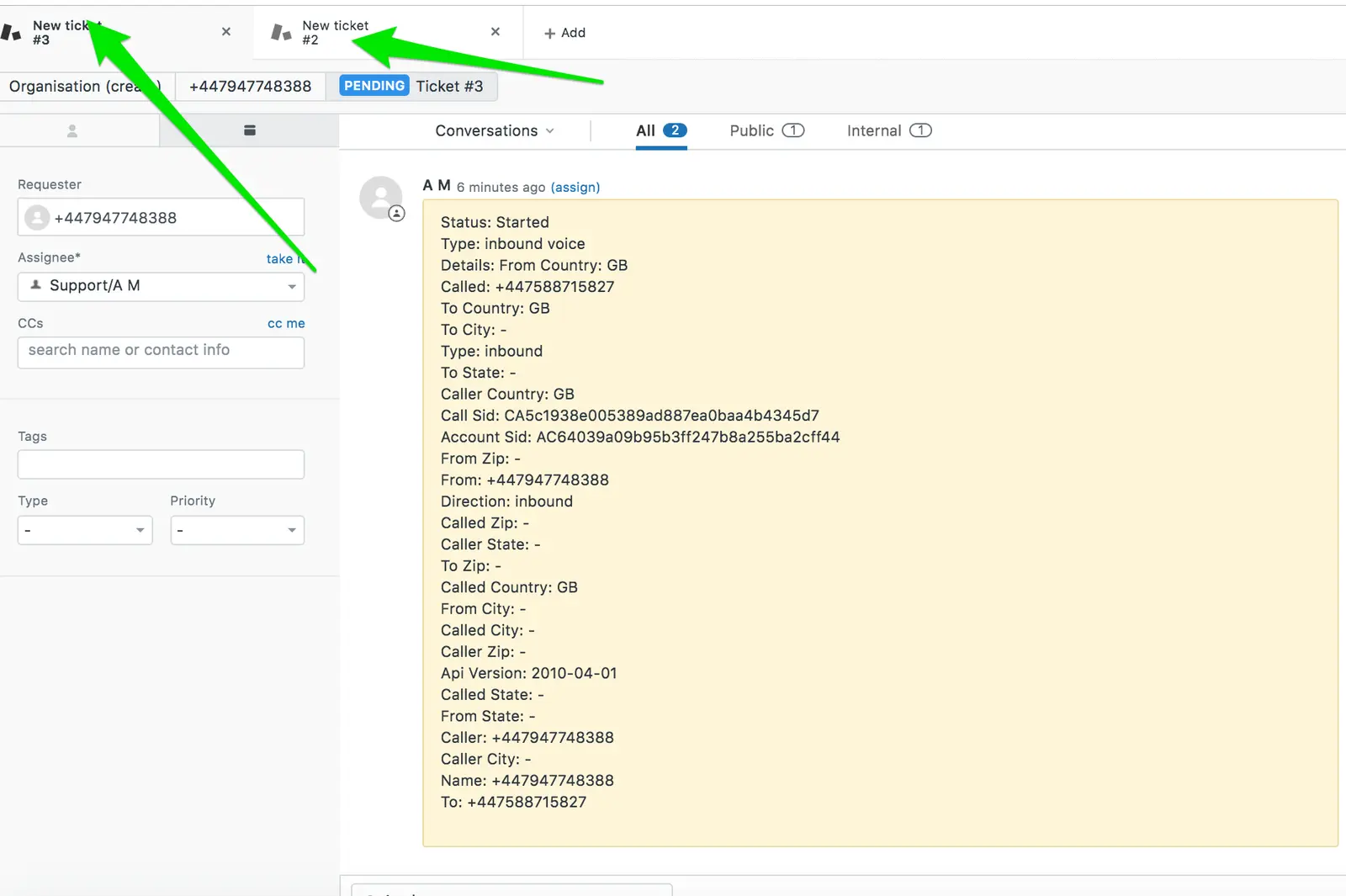
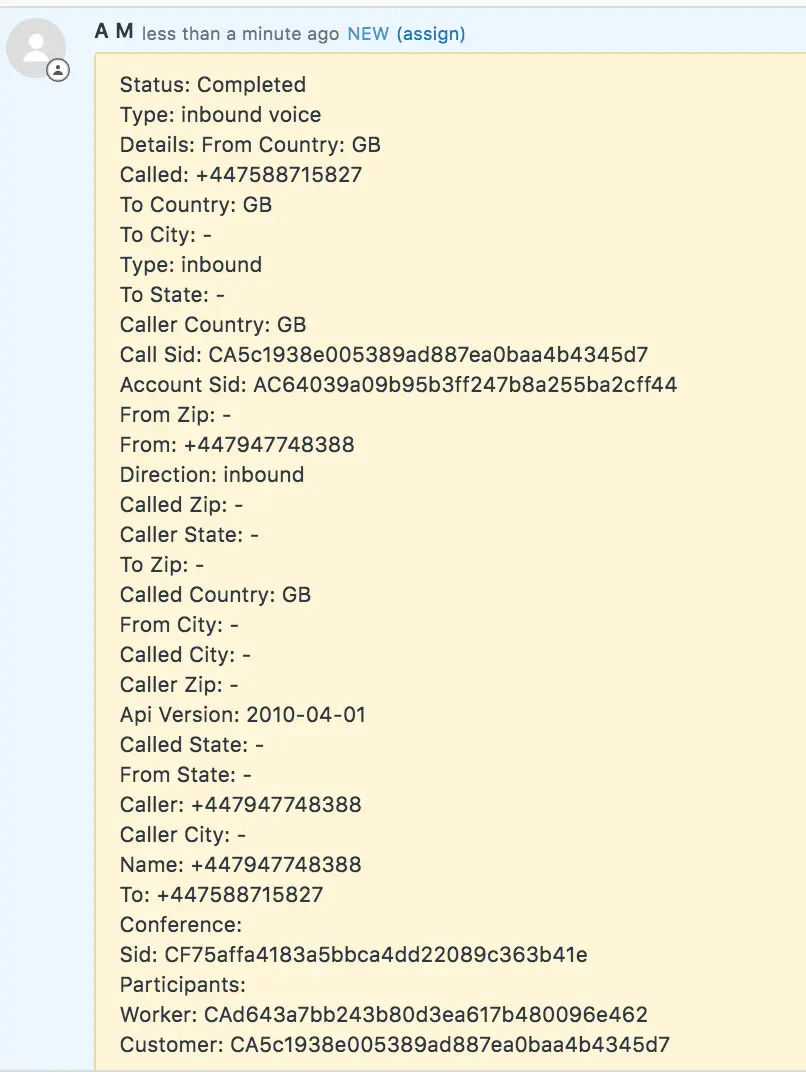
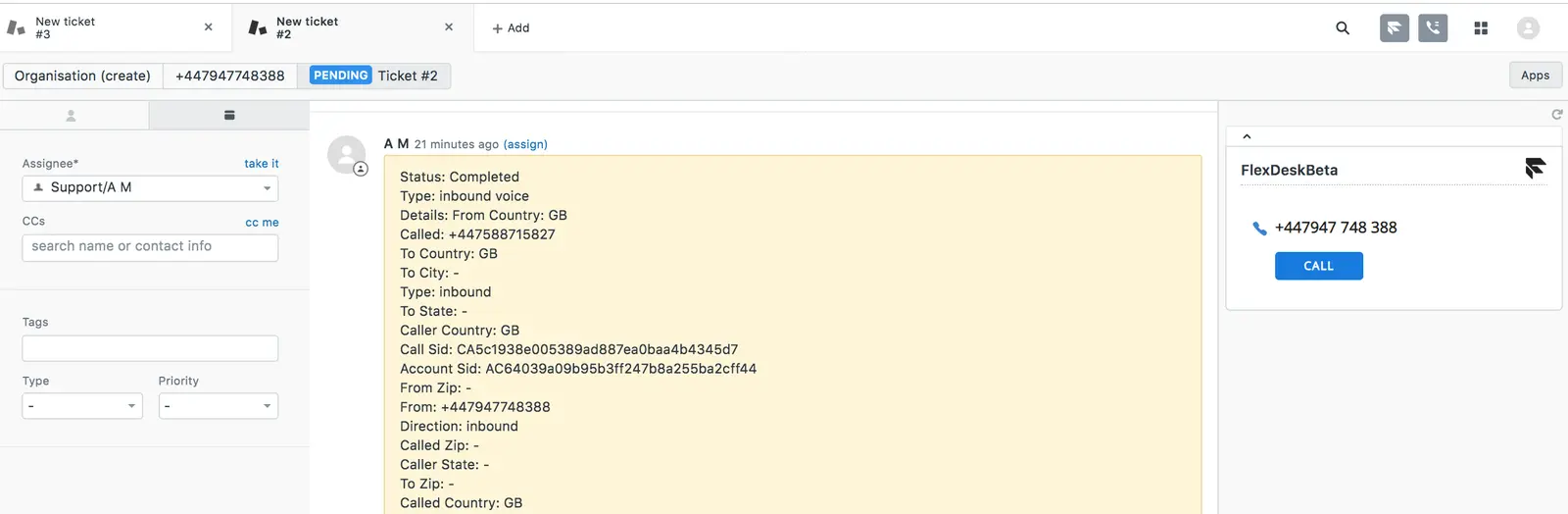
In all call flows, task metadata is logged automatically as an internal note, as shown in the screenshots below.
 |  | 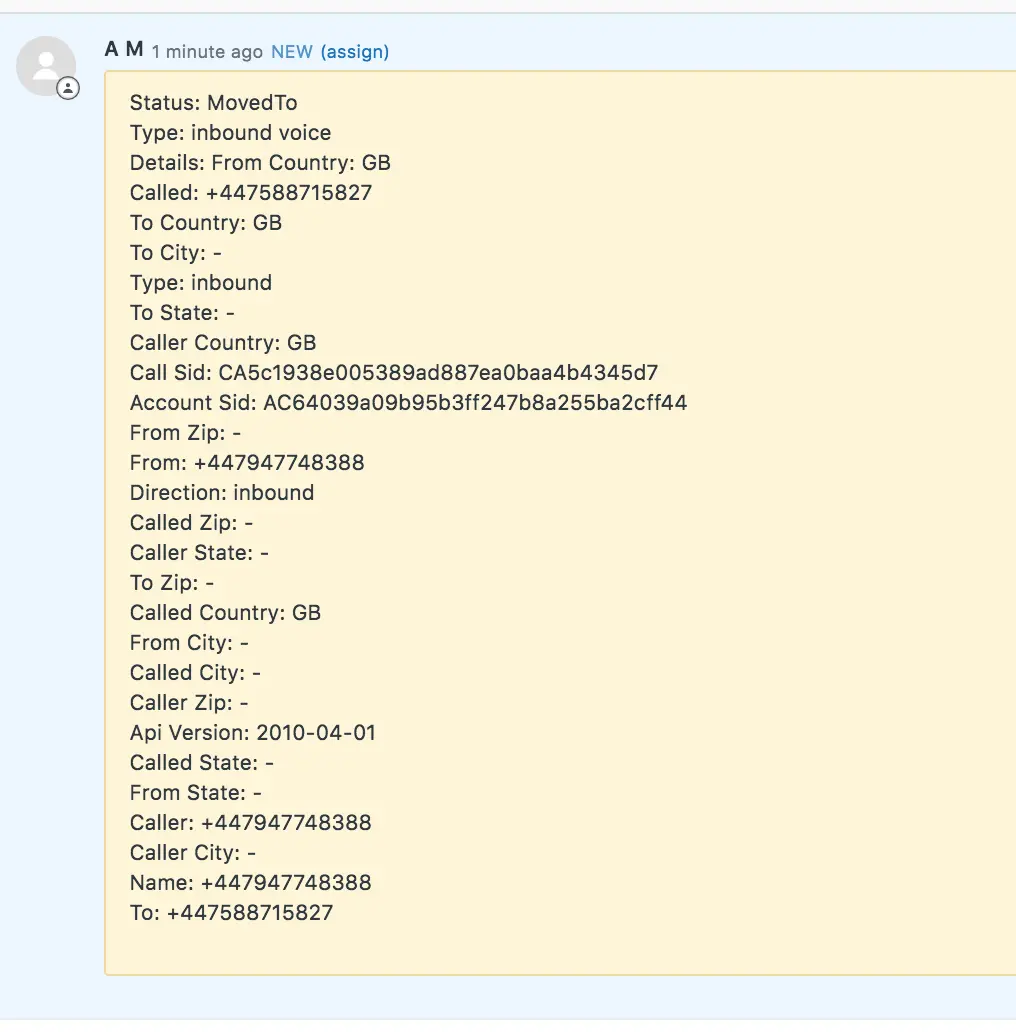 |
|---|
Your Flex Zendesk integration can seamlessly handle multi-tasking when an agent has multiple records.
From your Zendesk account, initiate multiple inbound/outbound calls, SMSes, chats, or any other communications channel configured on your Twilio Flex Project.
As you select different tasks on the Flex screen, the screen on Zendesk will change to the ticket/user, depending on your configuration. For example, if you are chatting with Joey, you will see their information until you switch over to your call with Alex, at which point you'll see their information on the screen instead.
 |
|---|
You can add any custom tags identified during your customer engagement flow by adding those tags to a task attribute named zdCustomTags. For details, see IVR Flow for Adding Custom Tags to Zendesk Ticket.
Once you have implemented custom tags, your tags are added to the relevant ticket, as shown in the screenshot below.
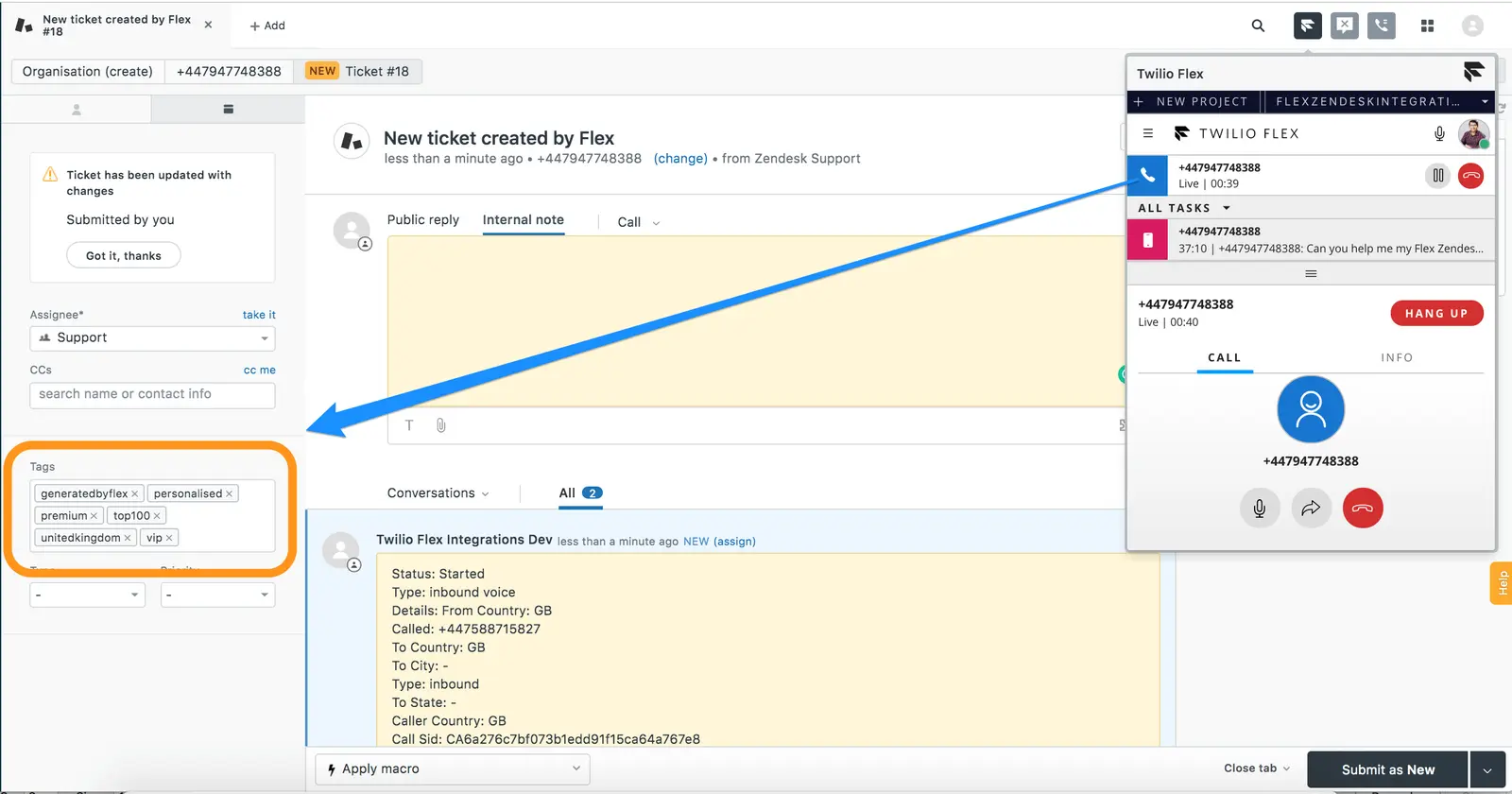 |
|---|
Warning
zdCustomTags supports multiple tags, so you can pass a list of all the tags you want to add.
If you have enabled logging chat details as an internal note, then for all text-based engagements, the chat transcript is stored as an internal ticket note in the relevant Zendesk ticket, as shown below.
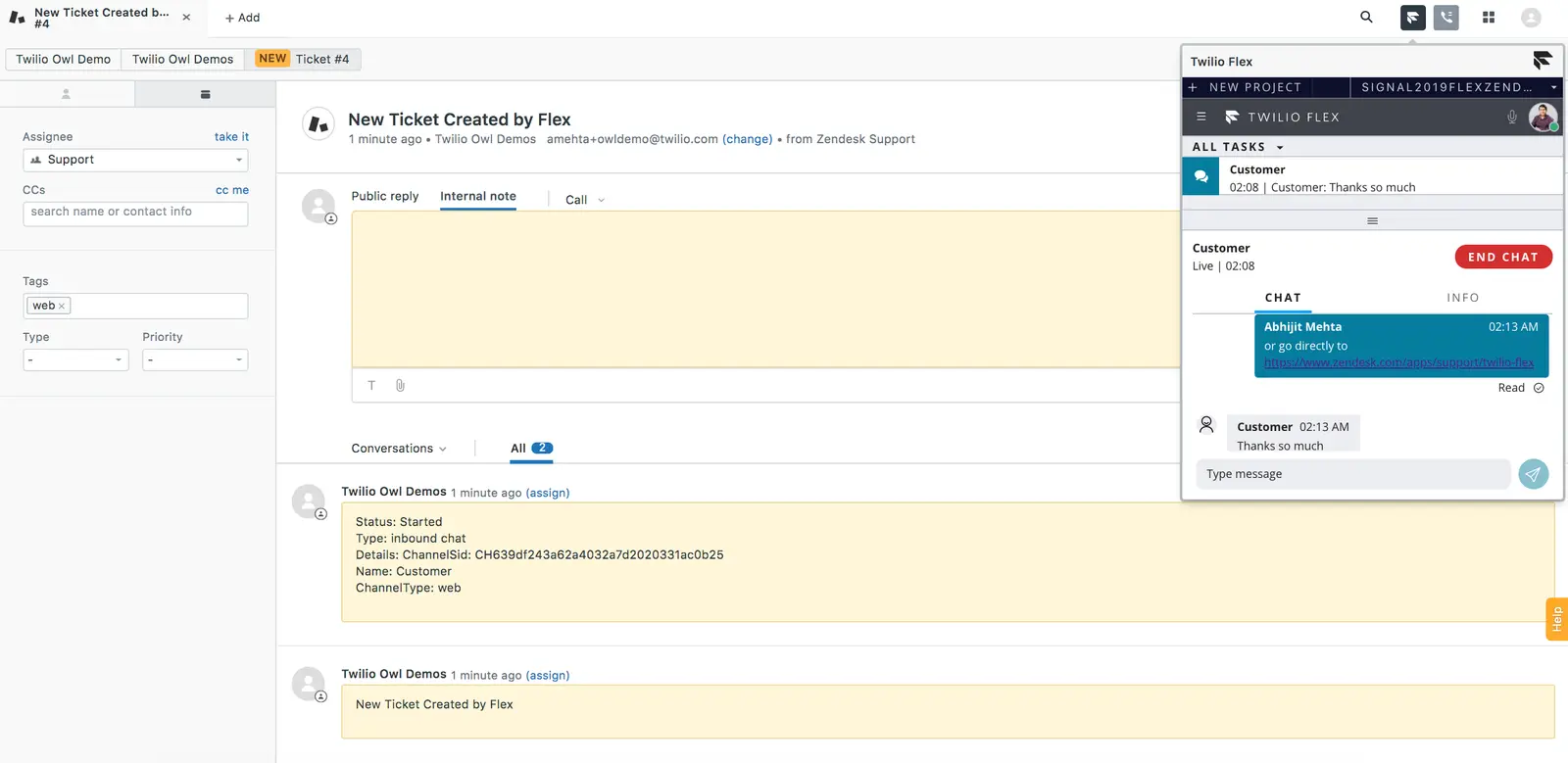 | 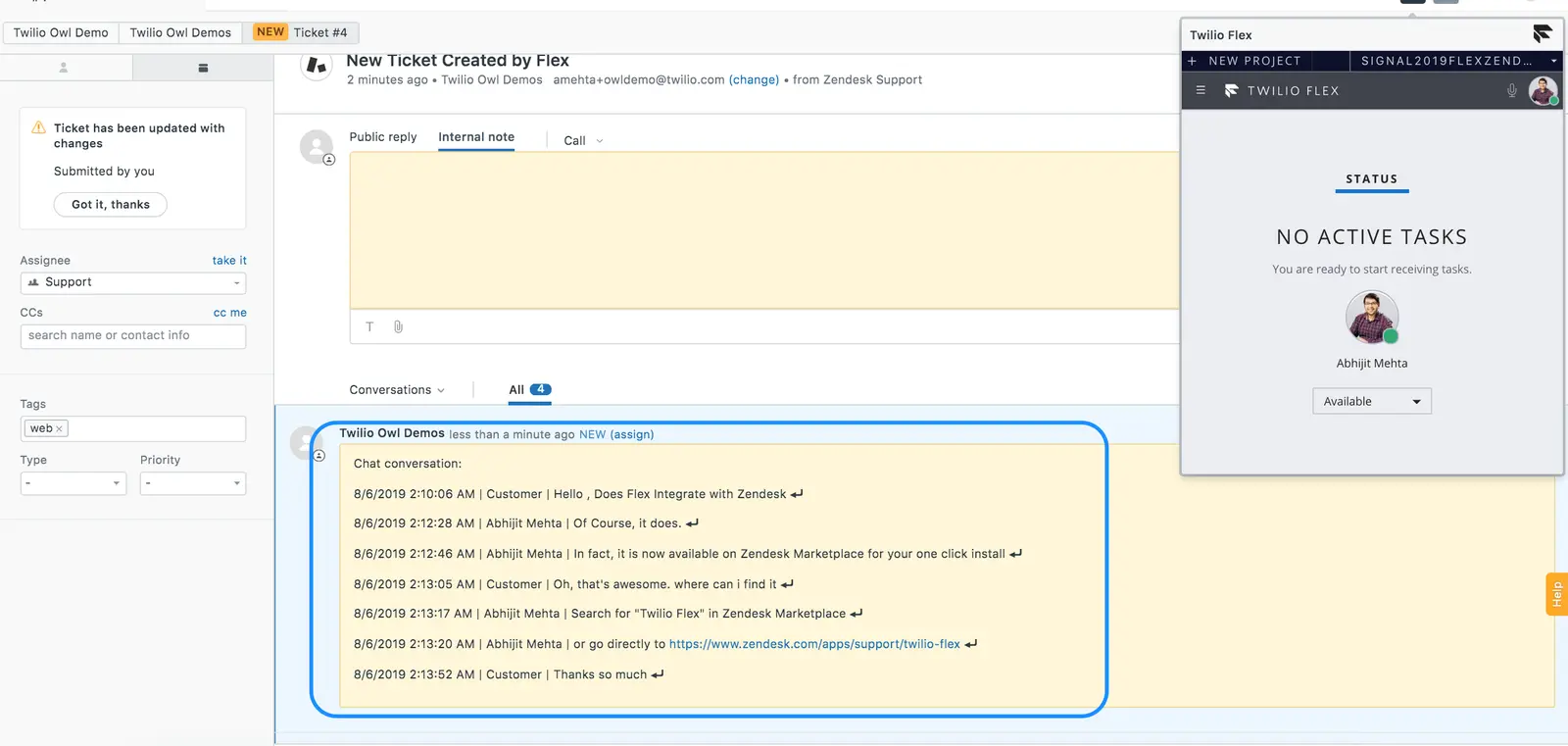 |
|---|
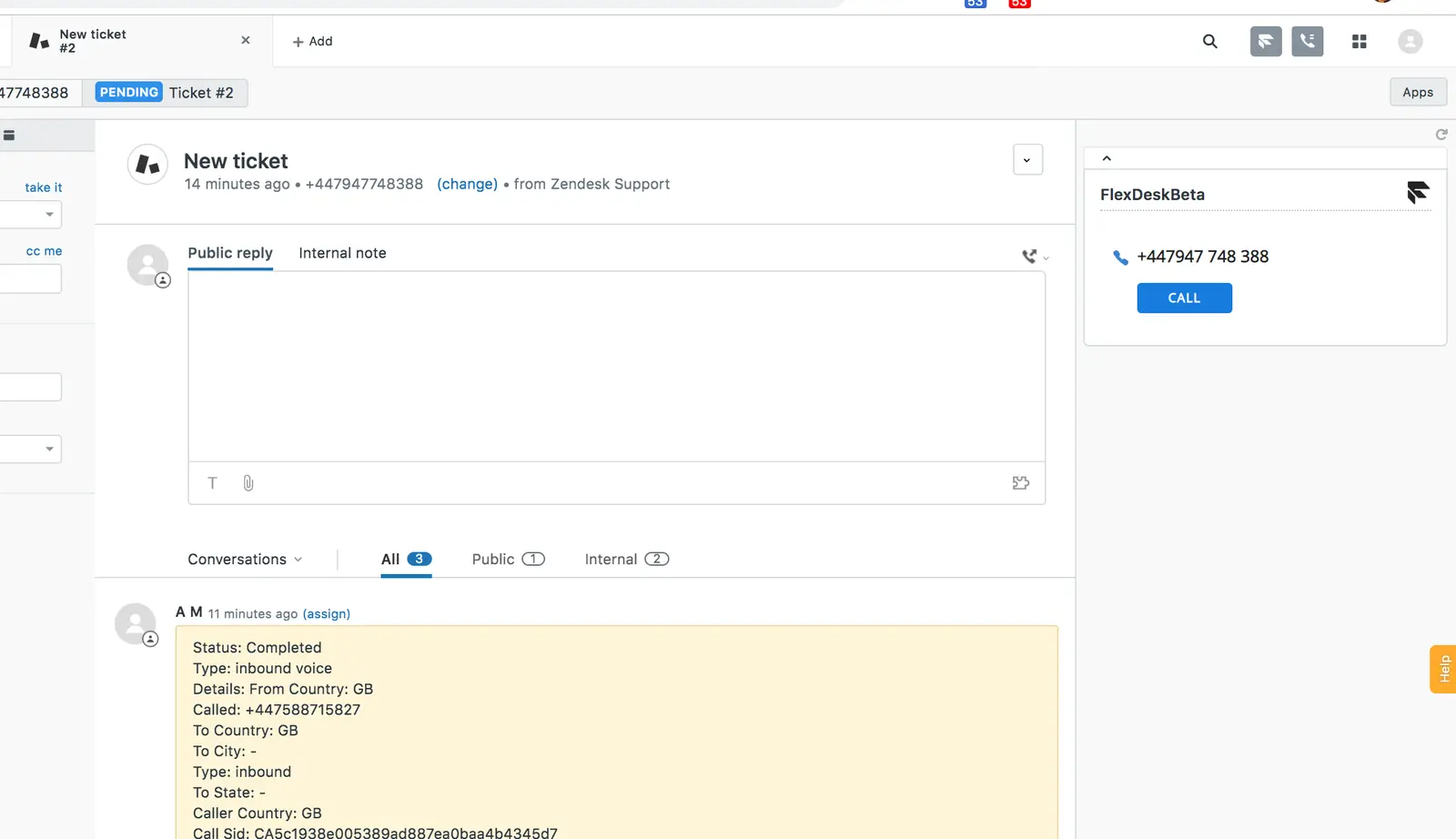
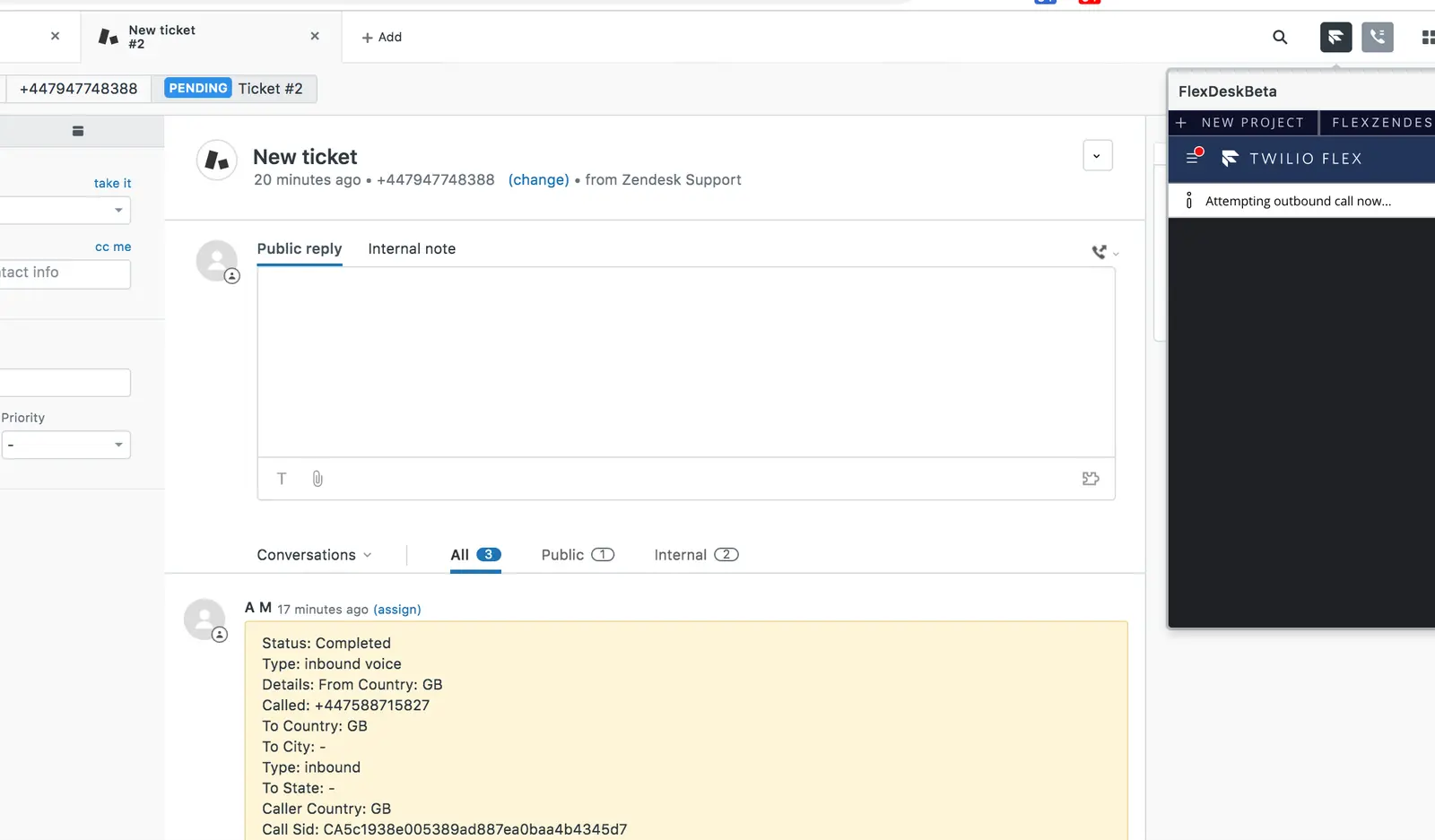
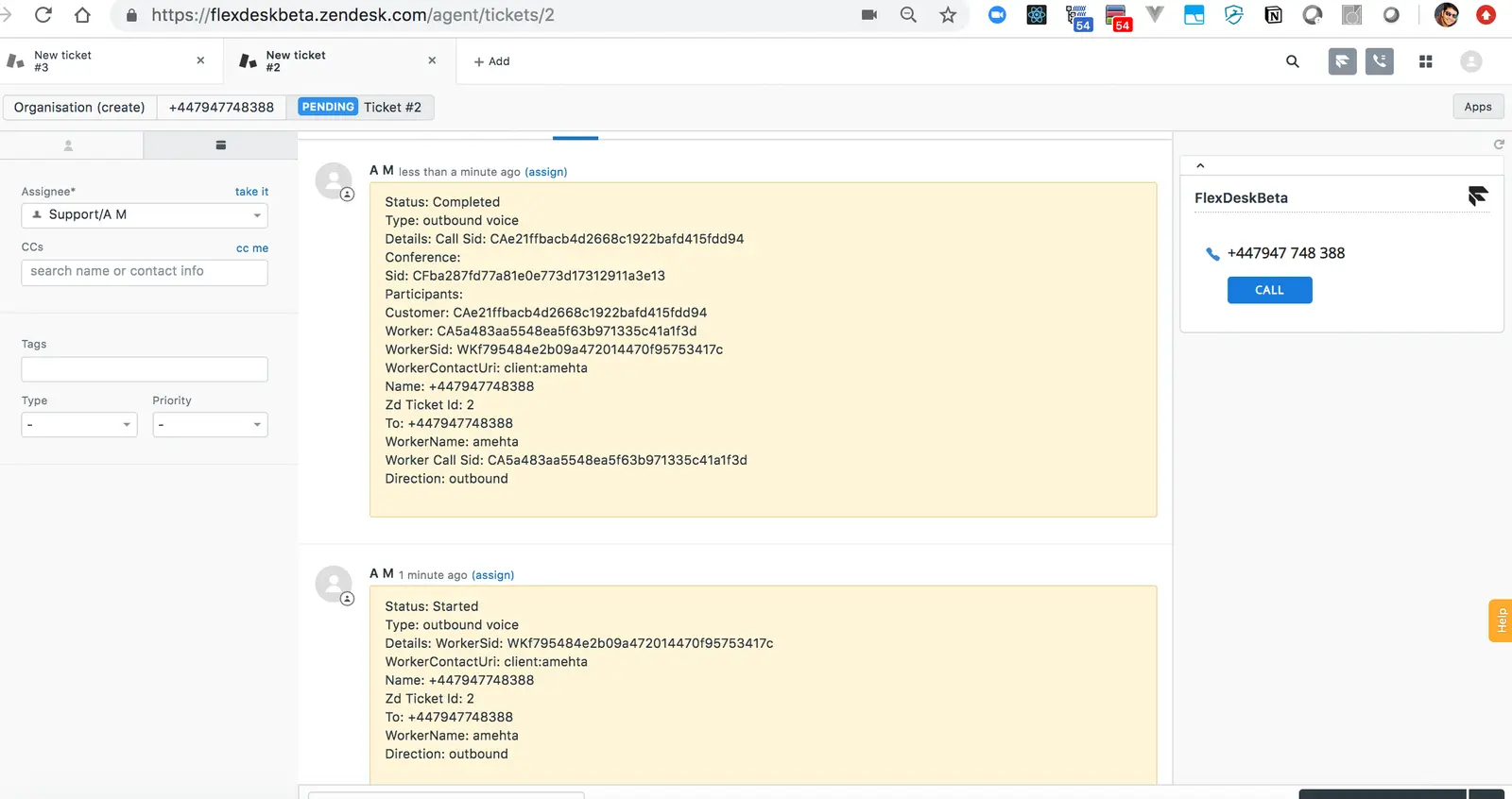
If a phone number is associated with the ticket originator (customer), a widget appears in the ticket sidebar that lets you click and dial out, as shown in the screenshots below.
 |  |
|---|---|
 |  |