Support and sales
Interactive voice response (IVR) solution
Build a modern IVR solution with Twilio to improve your customer experience with logic and AI-based self-service while reducing the need for agent intervention.
Free trial
No credit card required
Flexible pricing
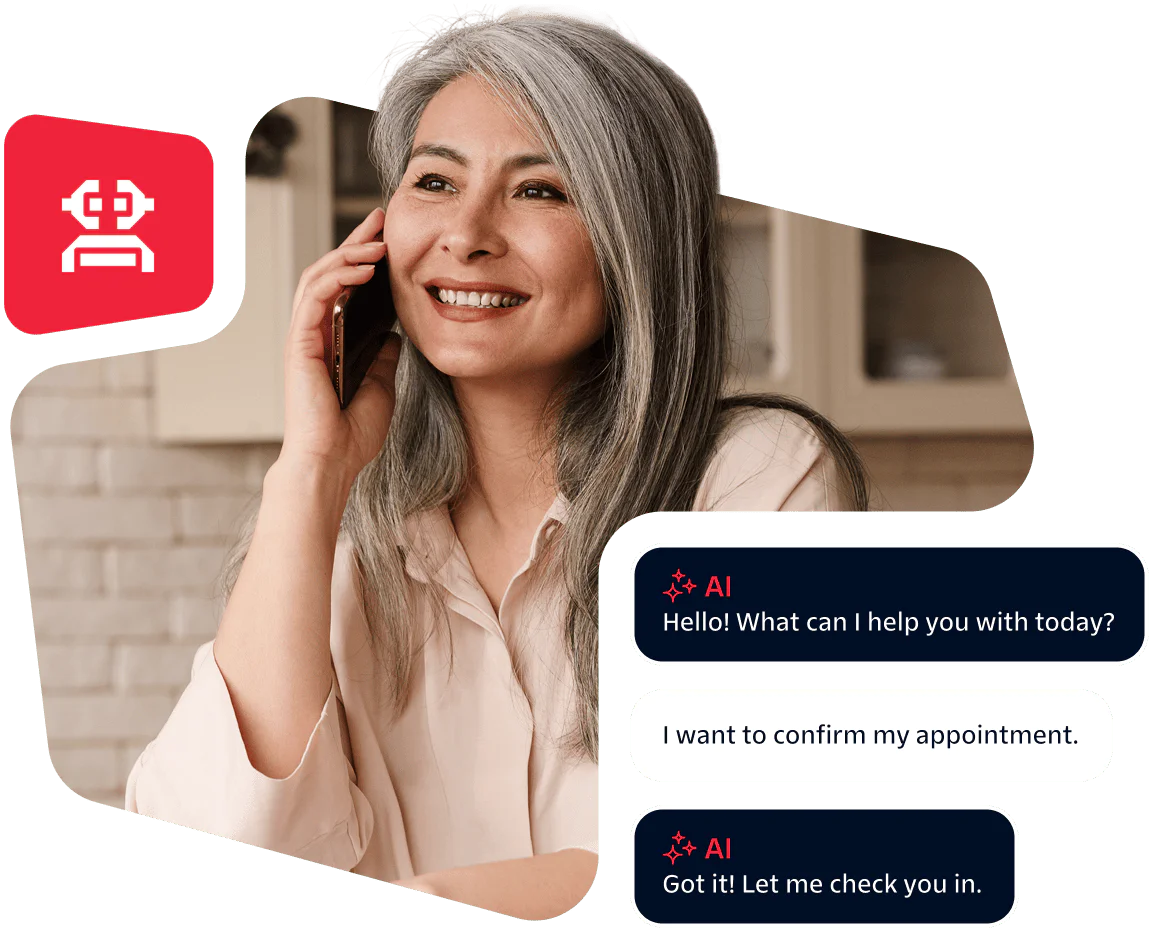
What’s possible with an intelligent IVR solution?
Improve your customer experience without adding complexity for agents.
How to build a modern IVR
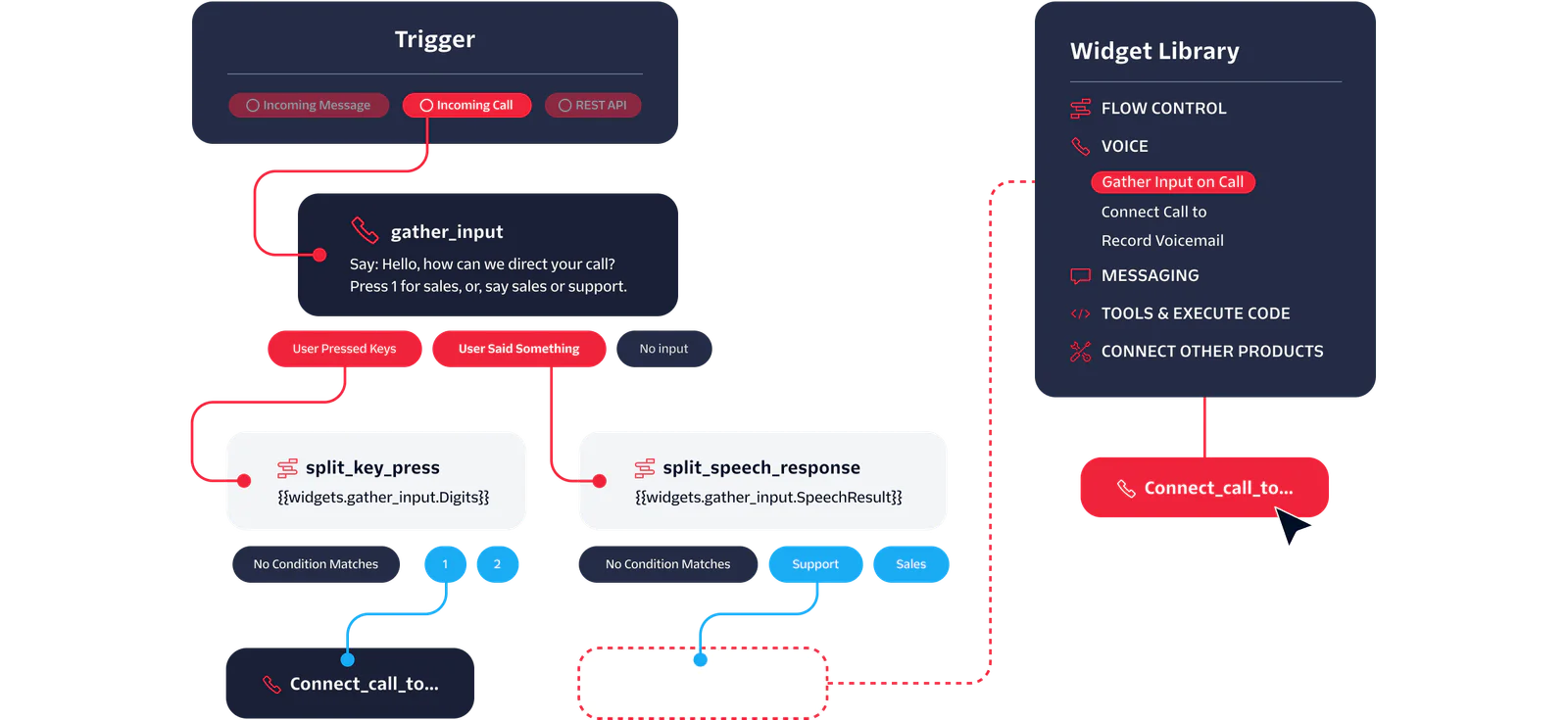
Create a custom IVR solution to expand and modernize your contact center.
Twilio products for IVR
Build a modern IVR solution with a strong connectivity foundation and customize with the exact functionality you need.
|
Step to setup |
Options |
Features |
Learn more |
|---|---|---|---|
|
1. Phone number |
|
200+ number types, 100+ countries Use your existing number |
|
|
2. Connectivity |
|
4,500 global carrier connections Use your existing PSTN carrier |
|
|
3. Build |
|
<Pay>, <Gather>, Low/no-code editor, templates for IVR flows |
|
|
4. Channels |
|
Text-to-speech, call SMS, MMS, WhatsApp, reliable real-time delivery |
Build and launch your new IVR in days
Sign up for a free Twilio account to start building your new IVR flows today. Use quickstarts, up-to-date docs, the Twilio CLI, and Code Exchange to build a prototype quickly.
Build your first phone tree
Follow along with this quickstart to learn how to set up your first IVR phone tree with Twilio.
Quick deploy a basic IVR
Use our pre-built app in Code Exchange to deploy a basic IVR that uses SMS and Voice in minutes.
Tips for speech recognition and virtual agent bots with voice calling
Improve your IVR speech recognition performance with 11 best practices from our product team.
Prefer not to code? No problem.
Work with one of our trusted partners to get coding support or explore a pre-built notifications solution. Find a partner
Chime increases customer satisfaction with personalized IVR
Chime built an IVR that made it easier for customers to get answers from agents quickly, but then adapted their workflows for self-service with a live agent’s help as a fall-back.

Chope keeps restaurants booked with an IVR for reservation management
Chope helps restaurants manage bookings and avoid income loss with an IVR and queuing technology that triggers outbound confirmation calls to customers with reservations.

M&S routes customers to the right person with an AI-powered IVR
Marks & Spencer overhauled its IVR to handle millions of calls a month and get customers to the right person, at the right store, in record time without the need to repeat a request over and over.

Why use Twilio to build an IVR solution
Increase customer satisfaction while reducing cost to resolution.

Start with a single IVR add-on, or modernize your entire IVR system. With Twilio, you can scale to manage huge call volumes with self-serve automation to reduce call center costs and preserve agent bandwidth.
1M+ monthly inbound calls
handled by Marks & Spencer’s new IVR
Work smarter, not harder. Add AI virtual agents with one click to offer natural language assistance, instead of rigid menus that lack context and confuse. Create customized virtual agent flows that understand caller intent.
86% of consumers
say personalized experiences increase their loyalty
There’s no need to rip and replace. Add Twilio IVR to your existing contact center to quickly expand your functionality. Then fine-tune your experience with new features or flows as you realize you need them.
97% of companies
expect to 2X their digital customer engagement investment
See what else you can do
IVR FAQs
The Twilio platform is very flexible and modular, so you can build the exact IVR workflows you need for your use case. You won’t be restricted by out-of-the-box workflows or limited in how much you can change. You can fine-tune your menus and workflows through Twilio Studio’s visual editor and publish them in real-time.
Here’s a tutorial on how to customize workflows with Twilio Studio.
The Twilio platform seamlessly integrates with your tech stack. Because it’s modular by nature, our IVR solutions work with a wide range of CRMs, help desk software, UCaaS, CCaaS, on-prem software, and business applications. Whether you use Salesforce, Zendesk, HubSpot, Avaya Aura or Cisco UCCE, you can connect your Twilio IVR to retrieve customer data, update records, or trigger workflows. This integration flexibility means you can modernize your IVR without ripping and replacing your existing infrastructure.
Yes. Twilio IVR solutions can be paired with Conversation Intelligence to understand natural language, generate summaries, analyze sentiment, and create transcripts. You can also use a native integration between Twilio Voice and Google Dialogflow CX to create rich conversational AI experiences through Dialogflow's Interactive Voice Response (IVR).
You can also integrate Conversation Relay into your IVR for a voice AI agent that provides human-friendly experiences. This allows customers to speak fluidly with a Voice AI agent instead of navigating rigid keypad menus to make interactions more efficient. Conversation Relay can be given access to customer profiles to bring context to the conversation in real-time. Your Voice AI agent can reference recent purchase or customer support inquiries to speed up interactions.
Learn more about Conversation Relay and Conversation Intelligence. And for more advanced tips, check out our post on speech recognition and virtual agent bots with voice calls.
Twilio offers transparent, pay-as-you-go pricing for IVR solutions, with no long-term contracts or upfront commitments required. Twilio pricing is usage-based, so it provides cost flexibility to scale up or down as you need.
View our pricing page for more detailed information.
You can design, test, and update your IVR quickly — often within hours or days vs. weeks or months. The timeline depends on the complexity of your IVR flows. A simple IVR can be set up with Twilio’s visual builder, Studio, in 30 minutes. Or you can build a custom IVR with complex workflows and features, like database lookups, integrations, and speech recognition in hours or days.
Here’s our guide on How to build an IVR with Twilio Studio. You can also start with our code sample for a basic IVR to speed up your development.
With Twilio Studio, you can create and modify IVR call flows using an intuitive drag-and-drop interface without the need for technical coding skills. Studio is a visual workflow builder that allows you to build workflows for your IVR, like how to handle incoming calls, gather input, and route customers to the right team.
If you have more complex workflows or integrations for your IVR, you may need to pull in a person with technical expertise to help or advise on the best way to build it.
Here’s our guide on How to build an IVR with Twilio Studio.
Twilio is committed to security and compliance and has built features into every layer of our platform to help you meet your requirements. When you build your IVR flows, there are a number of best practices you can follow to handle data securely:
Always use TLS to encrypt data transmitted between your IVR, Twilio, and backend storage
Use strong authentication protocols for people accessing IVR data
Collect only the data you need for the IVR workflow and avoid storing sensitive information unless necessary
Use features like PII Redaction and Voice Recording Encryption
Apply security by design principles throughout the product lifecycle
See our commitment to security to learn more about our credentials and standards.
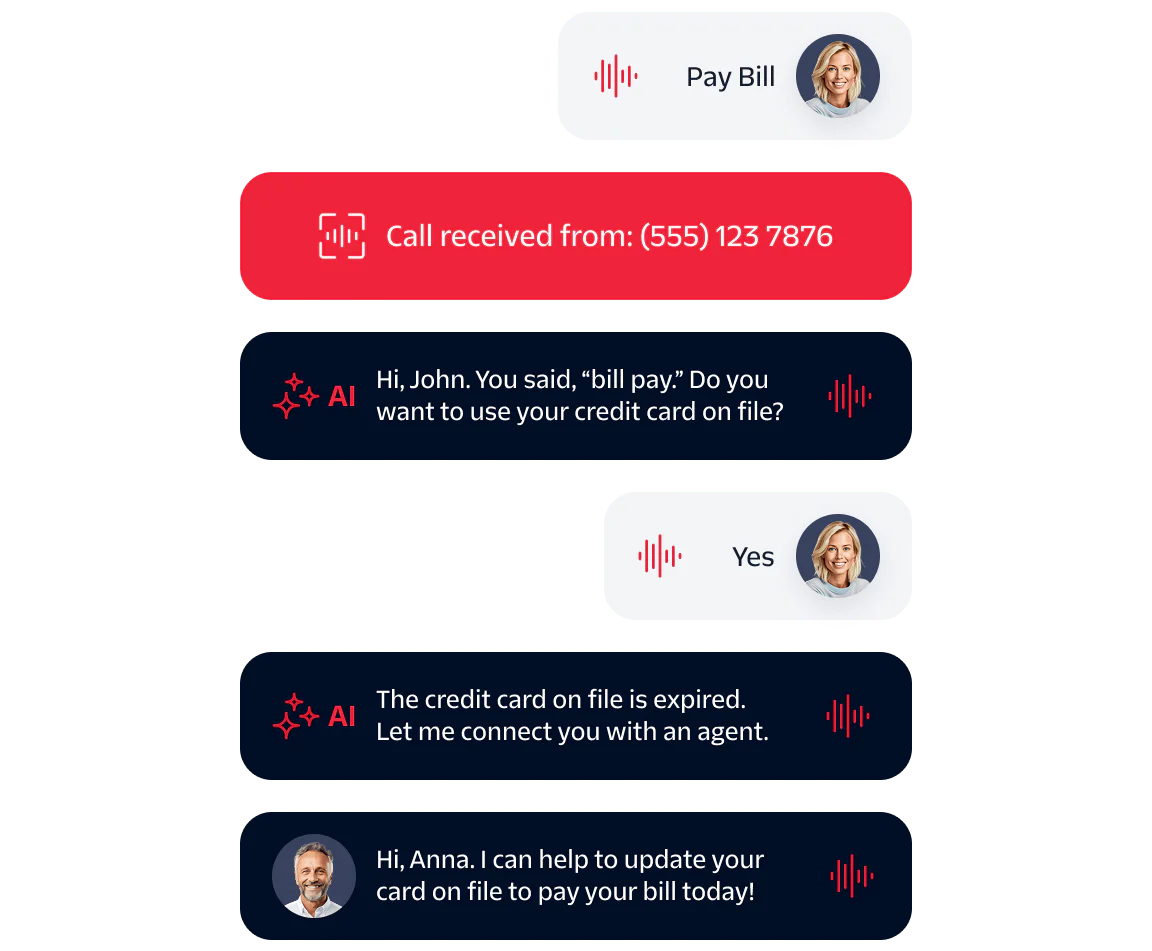
You can build in logic to escalate calls to live agents from your IVR if the customer prefers to speak with a human. Twilio IVR has intelligent call routing based on caller input, interaction context, or IVR failure to ensure customers reach the right person and don’t have to repeat themselves. This approach balances the efficient self-service of an IVR with personalized agent support for a human touch.